

Send one consolidated file of timestamped, prioritized notes that names the stem and gives an amount or a reference. That single file cuts revision rounds fast because your engineer never has to guess what “punchier” means at 2:14 in the bridge. Three things make or break every note you write: a timestamp, a stem name, and a priority level.
TL;DR:
- Using precise timestamped notes with clear stem, direction, amount, and reference simplifies communication and ensures quick, accurate adjustments.
- Listening on multiple systems and noting issues per device improves accuracy and prevents misinterpretation by the engineer.
- Consolidating feedback into a single, prioritized file with explicit acceptance criteria reduces revision rounds and avoids back-and-forth confusion.
- Structured five-field syntax and high-quality references shorten the feedback loop by making subjective feelings into testable, objective tasks.
- Tools like waveform comment apps and standardized templates enhance clarity, efficiency, and consistency in mix revision processes.
Table of Contents
- How Do You Write Mix Notes That Get Fast Results?
- What’s the Exact Format for a Mix Note?
- Bad Mix Notes vs. Good Mix Notes: Side-by-Side Fixes
- Get Your Listening and Reference Setup Right Before You Send Notes
- Which Tools Make Sending Mix Notes Easier?
- How Do You Keep Revisions to One Round?
- How Twisby Records Handles Mix Revisions
- What Independent Artists Get Wrong About Mix Notes
- Send Your Mix Notes to Twisby Records
- Tools and Guides Worth Bookmarking
- Sources
- FAQ
How Do You Write Mix Notes That Get Fast Results?
A usable set of mix notes has the same skeleton every time, whether you’re sending them for a rough mix or a final print. Skip a field and your engineer has to stop, ask, and wait. Include every field and they can open the session and start working immediately.
Here’s what belongs at the top of every notes file:
- Header: track name, mix version or filename (v3_mix_rough), date, your contact info, and one named point person
- Listening context: which devices you used and at what volume
- Overall impression: open with what’s working before you list problems
- Reference tracks: name them and describe exactly what to mimic
- Priorities: your top 3 fixes, ranked
- Notes by timestamp and stem: every individual note tied to a specific MM:SS and instrument
That “what’s working” line matters more than people think. Feedback research on behavior-focused review consistently finds that specific, limited feedback delivered without judgment gets accepted faster than a list of complaints. Open with one honest positive, then move into fixes. Your engineer isn’t defending a mix. They’re improving one, and that framing changes how fast they act on your notes.
What’s the Exact Format for a Mix Note?
Every clear mix note answers five questions in order: when, what, which way, how much, and compared to what. That’s the whole system.
- Timecode — the exact moment, as a range if the issue spans several seconds (1:42–1:48)
- Stem — the specific instrument or vocal track, never “the mix” as a whole
- Direction — raise, cut, add, remove, shorten, delay
- Amount — a number whenever you can give one (dB, Hz, milliseconds)
- Reference — a comparison point, either a moment elsewhere in the song or a reference track
A single line looks like this: “1:42 / lead vocal / cut 2 dB / vs. chorus level at 0:58.”
A five-field syntax like this turns a vague impression into an operator-executable instruction. The engineer doesn’t interpret your note. They test it, according to Versely’s mix notes framework.
If you can’t identify which stem is causing the problem, ask for a solo instead of guessing. Requesting a change to “the printmaster” often shifts elements you meant to leave alone, since a full mix bounce has no isolated tracks to adjust independently, according to iZotope’s stem workflow guidance. Here’s a full template you can copy:
Track: [Song Title] — v3_mix
Date: [date] Contact: [name/email]
Listened on: studio monitors, AirPods, car
What’s working: the low end feels tight, vocal tone is warm and present
References: “[Track Name]” by [Artist], match the vocal presence around 1:15
Top 3 priorities:
- 0:32 / snare / cut 3 dB at 2.5 kHz / too harsh vs. reference
- 1:48 / bass / raise 1.5 dB / feels buried under guitars
- 2:20 / lead vocal / add slight delay / matches the vibe of reference at 0:45
Bad Mix Notes vs. Good Mix Notes: Side-by-Side Fixes
Vague adjectives waste a revision round because your engineer has to interpret them, make a change, and wait for you to confirm it landed right. Objective descriptions with a number attached skip that guesswork entirely, according to career guidance on objective feedback. Here’s the same six problems, written two ways:
- ❌ “The vocals feel buried.” → ✅ “0:45 lead vocal, raise 2 dB, priority 1”
- ❌ “Bass is muddy.” → ✅ “1:10 bass, cut 3 dB at 250 Hz, priority 1”
- ❌ “Drums need more punch.” → ✅ “0:20 kick, add 2 dB at 60 Hz, priority 2”
- ❌ “Too much reverb on the chorus.” → ✅ “1:35–1:50 vocal reverb, cut wet signal 20%, priority 2”
- ❌ “The transition into the bridge feels off.” → ✅ “2:05 drop all instruments except vocal for 2 beats, then bring in full band, priority 3”
- ❌ “Make it louder overall.” → ✅ “Raise master loudness to match reference track’s perceived level at the chorus, priority 3”
Notice the pattern: timecode, stem, a number, and a rank. That’s the whole fix. Each rewritten note removes an entire back and forth email, because there’s nothing left to clarify.
Get Your Listening and Reference Setup Right Before You Send Notes
Your notes are only as good as what you heard. A mix that sounds thin on your laptop speakers might sound perfectly balanced on studio monitors, because low frequency perception shifts dramatically depending on the playback system and volume, per the Fletcher-Munson curve research.
- Listen on three systems minimum: studio monitors or good headphones, standard earbuds, and a phone or car speaker
- Note which system caught which problem. That tells your engineer where the issue actually lives
- Pick reference tracks in your genre, then timestamp the exact second and element you want matched, not just the whole song
- Export review bounces as WAV or high-bitrate MP3, and keep filenames consistent across every version (yourband_song_v3.wav)
Pro Tip: If a problem only shows up on one listening system, say so in the note. “Muddy bass, but only on phone speaker” tells the engineer it might be a translation issue rather than a mix error.
Which Tools Make Sending Mix Notes Easier?
Waveform-comment apps solve the biggest problem with written notes: they pin your comment to the exact second, so nobody has to count timestamps by ear. Notetracks and Feedtracks both let you drop a comment directly on the waveform and export it as text or CSV for the engineer’s DAW.
- Mix Notes (iOS app): free, drops timestamped notes right on the waveform, exports to text or CSV; iOS only, with no Android version or DAW plugin, according to a 2026 review of the app
- Notetracks: browser-based, built for collaborative review with version history
- Feedtracks: waveform commenting aimed specifically at mix and master feedback
- Versely: structured around the five-field syntax, useful if your engineer works across music and picture
No access to any of these? A shared document using the template above still works, as long as everyone agrees on one file and one point of contact.
How Do You Keep Revisions to One Round?
Multiple people sending separate notes is the fastest way to blow past a single revision round. Consolidate everyone’s feedback into one file before it reaches the engineer.
- Name one point person to gather notes from the band, producer, or label and merge them into a single document
- Put your top 3 priorities at the very top, so the biggest issues get fixed before anyone touches smaller details
- Write acceptance criteria for each priority: “vocals +2 dB vs. reference at 0:30; if it’s still off, send a v2 for review”
That third step is the one most artists skip. Acceptance criteria tell your engineer exactly what “done” sounds like, so they’re not guessing whether the fix matches your vision or just technically addresses the note.
How Twisby Records Handles Mix Revisions
Twisby Records has built its revision process around the same principles: over 35 years of engineering experience and Apple Digital Masters certification go into every project, but the process only moves fast when notes arrive clean.
- Submit notes as a single consolidated file, timestamped, with your top 3 priorities listed first
- Name your mix version clearly (yourband_song_v2) so nothing gets confused across revision rounds
- List the stem and a suggested amount whenever you can. If you’re unsure which element needs work, just ask for a solo
- The revision process involves engineers working personally with each artist rather than running a one-size-fits-all pipeline, so specific notes get specific attention.
Our remote mixing workflow guide and collaboration best practices walk through the full process in more depth if you want to see it applied end to end.
What Independent Artists Get Wrong About Mix Notes
Most advice on giving feedback focuses on tone: be kind, be constructive, sandwich the criticism. That’s not wrong, but it’s not the part that actually saves you a revision round. The part that saves you a round is the number. “Warmer” and “punchier” feel like useful words because they describe a feeling you have, but they hand the engineer a guessing game instead of a task.

The five-field syntax works because it forces you to convert a feeling into a hypothesis: raise the vocal 2 dB, cut 3 dB at 250 Hz, shorten the reverb tail. The engineer can test that hypothesis in under a minute. A vague note requires a phone call just to figure out what you meant.
One thing conventional advice underplays: your reference tracks do half the communication work for you. A well-chosen reference with a specific timestamp says more than three paragraphs of description ever could. If you only fix one habit from this article, make it that one. Pick better references, and point at the exact second that matters.
— Kreg
Send Your Mix Notes to Twisby Records
Twisby Records is built for artists who want to skip the guesswork and the endless back-and-forth that comes with vague feedback. Unlike a one-size-fits-all studio pipeline, Twisby pairs your project with an engineer who reads your timestamped notes and works the fixes personally, using real analog gear and Apple Digital Masters certification behind every finished track.

If your track is mixed and ready for a final polish, the mastering service runs $50 one-off and pairs naturally with the notes template above: send your priorities, name your stems, and reference the sound you’re chasing. If you’re still working through a mix and want an engineer who takes structured notes seriously, the mixing and mastering page is where to start. Prepare your file using the naming convention from this guide (yourband_song_v2), attach your top 3 priorities, and reach out through the services page to get your project moving.
Tools and Guides Worth Bookmarking
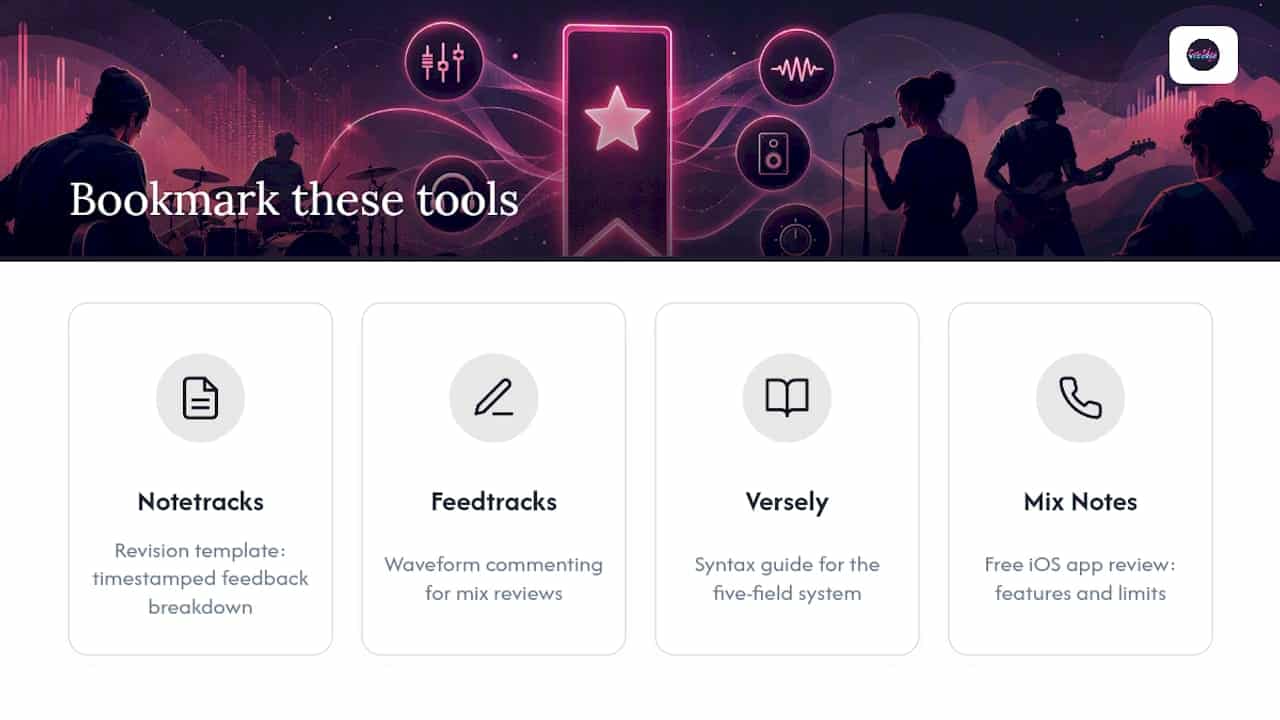
For deeper dives into the workflows covered here, Notetracks’ revision template breaks down timestamped feedback in detail, and Feedtracks covers waveform commenting for mix reviews specifically. Versely’s syntax guide explains the five-field system further, and the Mix Notes app review covers the free iOS tool’s features and limits.
Sources
- How to Give Mix Revision Notes (Free Template) – Notetracks
- Mix Notes Mixers Can Actually Execute | Versely
FAQ
Can ChatGPT Mix Music?
No. ChatGPT can’t hear audio or make mixing decisions, but it can help organize scattered notes into a clean, prioritized template, according to feedback process guidance from GMU Wellbeing. Use it to format and proofread your notes, never to decide what a mix needs.
What Is the Golden Rule of Mixing Audio?
There’s no single universal rule, but the closest thing to one is balance: every element should have its own space in the frequency spectrum without fighting another stem for room. When giving feedback on that balance, specific timestamps and amounts get you there faster than general impressions.
How Can I Make a Mix of Multiple Songs?
If you mean combining tracks into a single mixed playlist or DJ set, that’s a separate skill from mixing individual multitrack sessions, and it depends heavily on the software you’re using. If you mean mixing one song’s stems into a finished track, that’s what this guide’s template is built for, and Twisby Records’ mixing service handles that work directly.
How Do I Put Mix Notes Together in One Document?
Start with a header (track name, version, contact), add your listening context, list what’s working, then your top 3 priorities, followed by every remaining note organized by timestamp and stem. A ready-to-copy version of that structure appears earlier in this guide, and tools like Notetracks can export the same structure automatically.